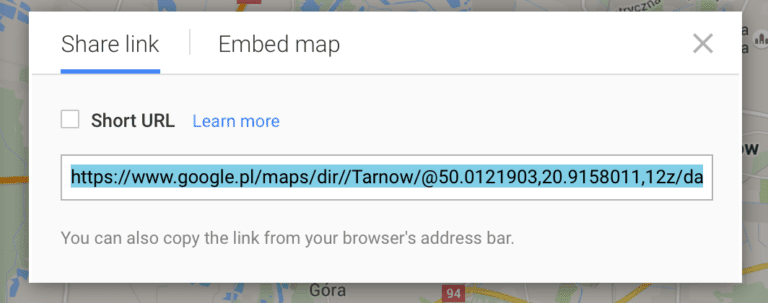

One of the most commonly used techniques to get customers to your business is using Google Maps. Nearly all user use Google Maps for GPS and directions, and it has become the standard. Here’s Google’s official documentation on it, but we want to create a link that leads customers to our business, so it’s not that useful right now.
It’s a good idea to include directions if you have your company’s address on your website. Because no one has time to search, copy, and paste, it’s best if it’s a link that the user can click once.
So how do we do it?
Go to Google Maps
You don’t need anything else. No other website/service. Just Google Maps.
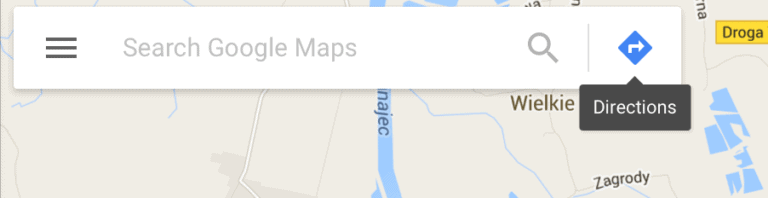
Switch to “directions” mode
Leave starting point empty. This means the customer’s location can be added later.
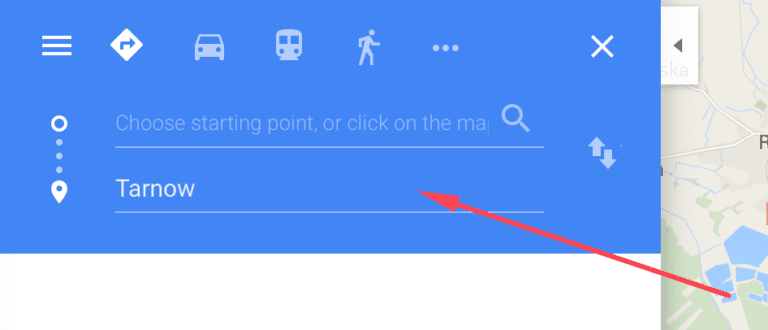
Open side menu
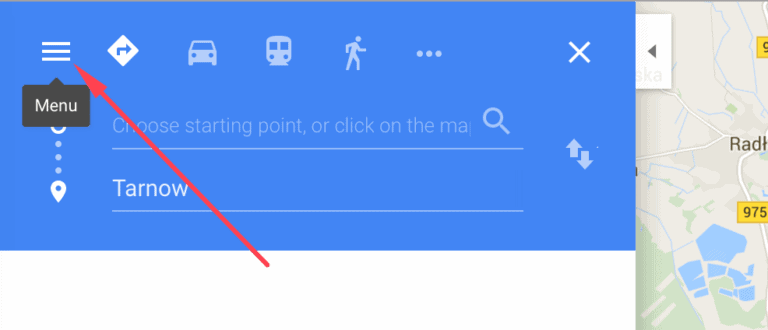
Select the “Share or embed map” link
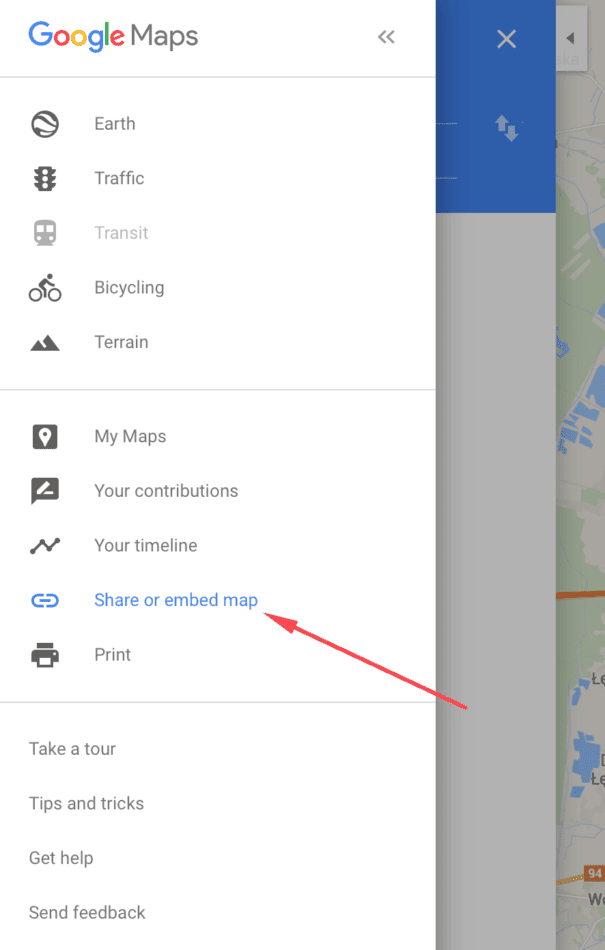
Copy then link and use it as a directions link wherever you please
Make sure you’re on the ‘Share link’ tab and not the ‘Embed map’ tab.